Do Online Lessons Really Work? What I Learned as a Piano Teacher
I have to admit—I used to be a bit of an online-lesson snob. That changed in March of 2020, when I found myself teaching from my parents’ dining room on my phone. As a live-in caregiver to my father, who has Alzheimer’s, I knew I’d need to stay quarantined longer than others might. So it became clear that I needed to figure out online teaching—or figure out how to do something else.
Following advice from some colleagues, I graduated from teaching on my phone to using a MacBook Air, an audio interface, and two mics. Those are pictured below in my “dining room setup”, which was a big improvement and worked well for a while.
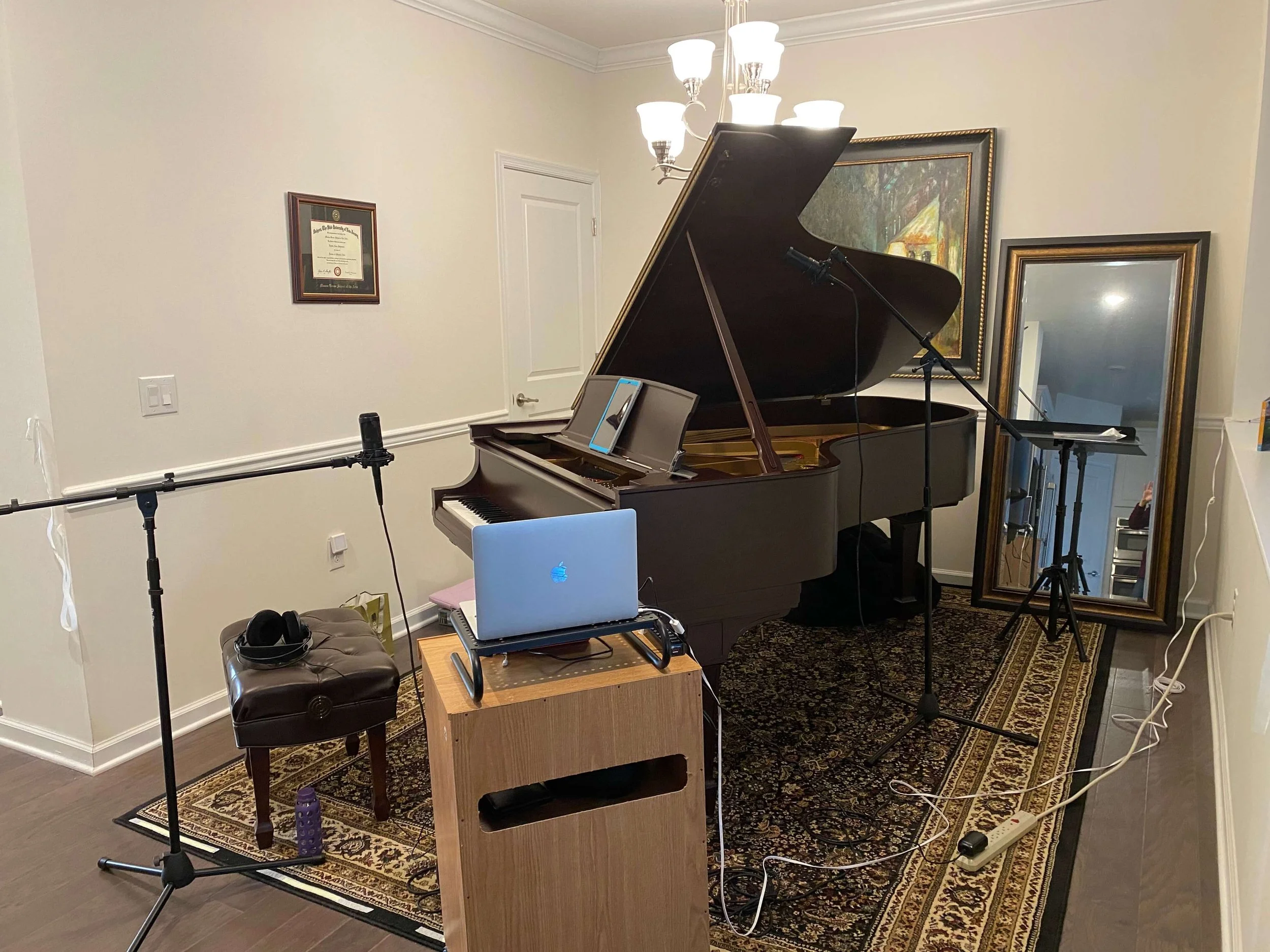
Early attempts at an online setup in the dining room.
Eventually, I had the piano moved into a room with a door, which was quite the upgrade! But when I tried to add an overhead camera, nothing worked the way it should. That’s when I realized I needed help.
Thankfully, I began a year of one-on-one music technology lessons with Stephen Hughes. I quickly learned that my computer wasn’t powerful enough to handle multiple cameras, and that I needed a more robust machine. I had been trying to use production software on a device that simply couldn’t keep up. Not quite user error, but definitely lack of user knowledge!
With Stephen’s help, I learned to use four cameras in my teaching setup: one for my face, one for my profile at the piano, an overhead for the keys, and one for the pedals. I also upgraded my audio interface to one that works better for online teaching (I never would have figured that out on my own).
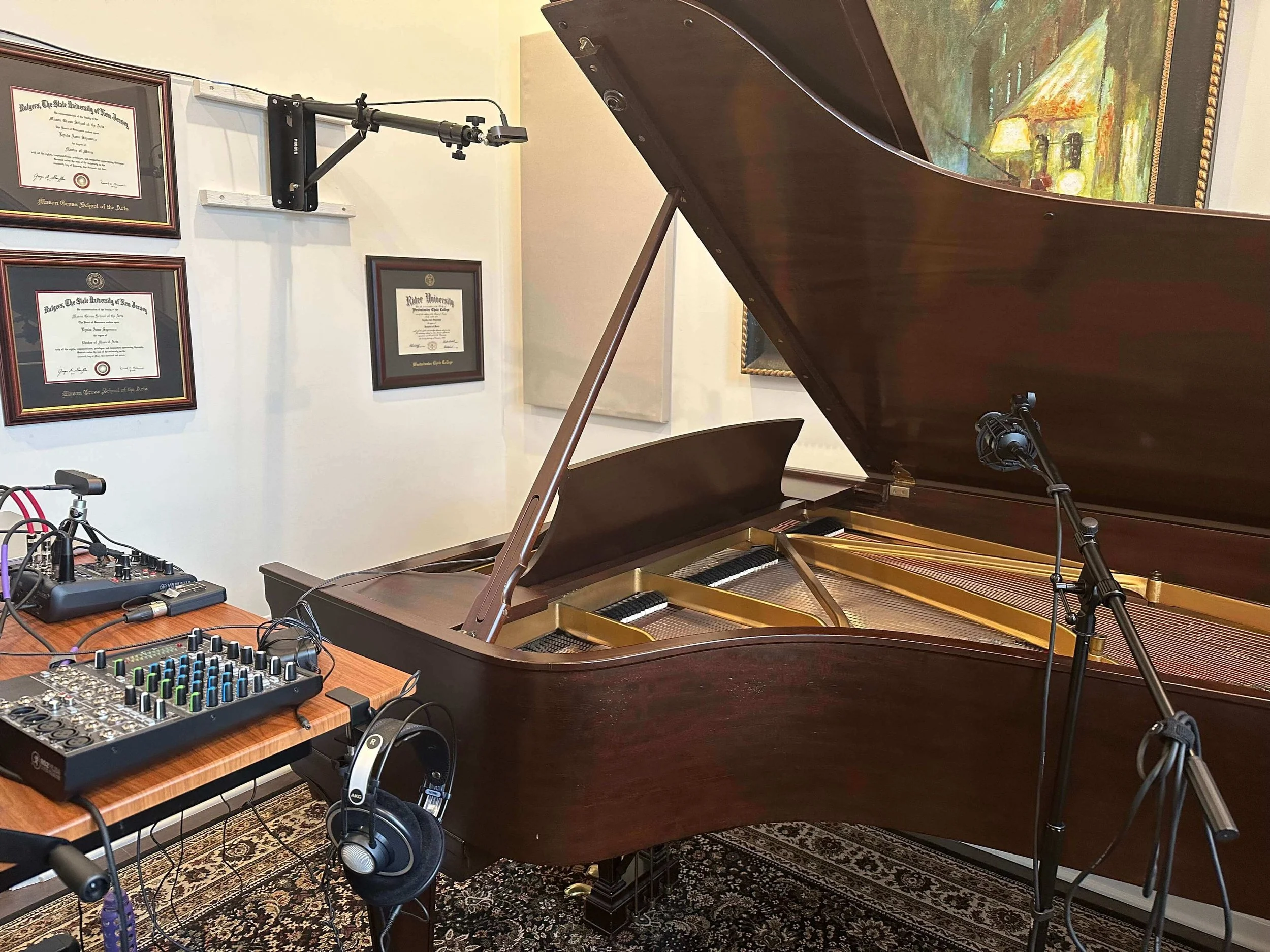
New setup (in a room with a door!) with overhead and profile cameras.
On Stephen’s advice, I began recording some of my Zoom lessons so I could evaluate the audio and video quality. Watching them back, I saw how effective they were.
Some of this was due to my teaching style—I’ve never been the “move over, I’ll show you” type of teacher who kicks students off the bench. (Perhaps because I’ve often been the student getting kicked off the bench!) My teaching is based on guiding students through experiences and toward their own discoveries, so I don’t need to play too often. But when I do, my students can see the demonstration clearly, from multiple angles.
The combination of my teaching approach and a high-quality setup changed my mind about online lessons. I now think it’s a wonderful way for students to learn—especially advanced students, which is who I teach. While I don’t specialize in younger beginners, I know teachers who work successfully with them online.
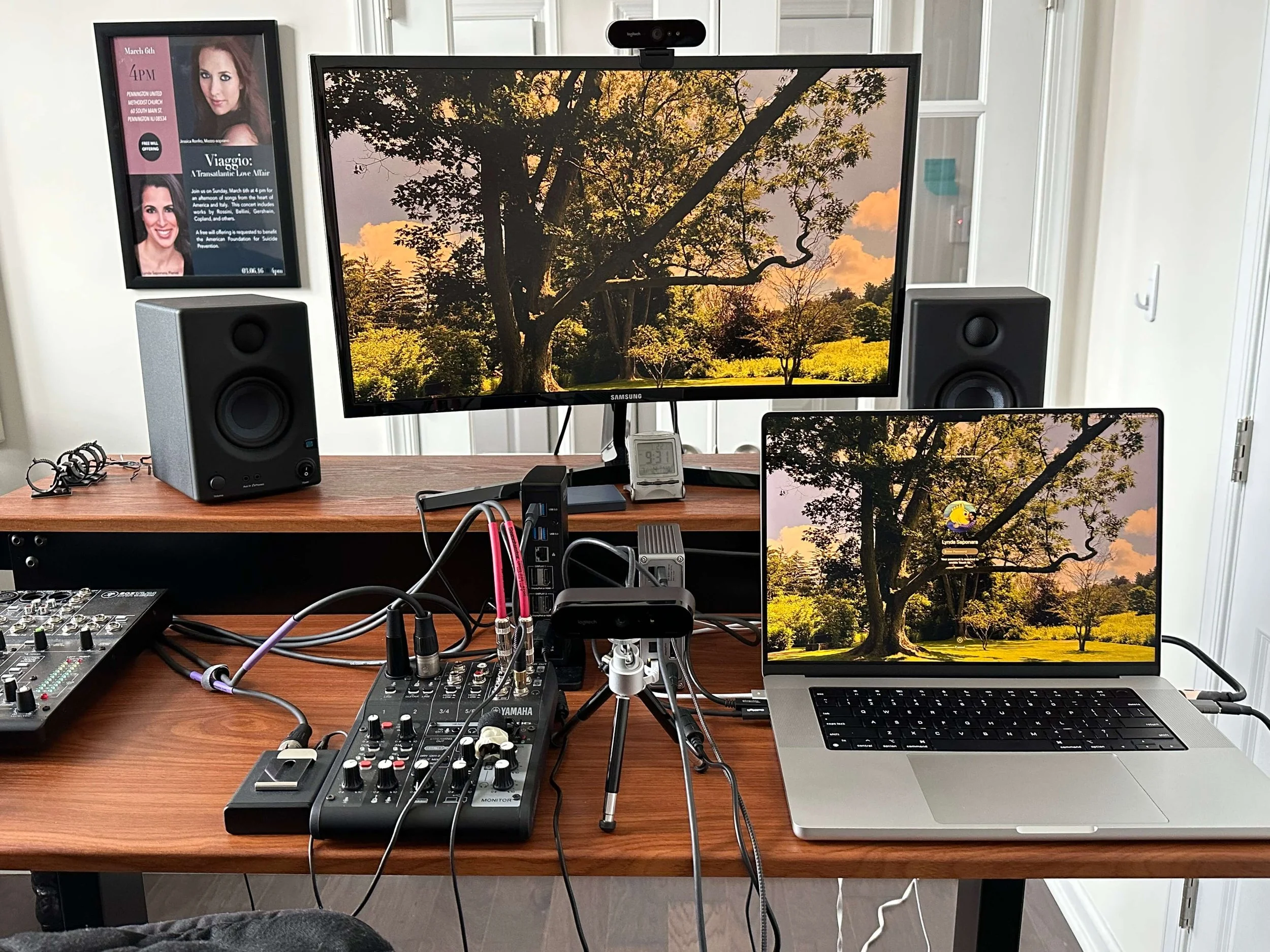
New MacBook Pro, monitor, audio interface, profile and face cameras, and studio monitors.
An early pandemic recital story
Early in the pandemic, my studio was comprised mostly of teens. I wanted them to have a recital experience, so I asked them to record videos of their pieces. Of course, they could have as many takes as they wanted, which is very different from a live recital. But there’s a lot to learn from evaluating our recordings and from the performance anxiety that comes with pressing “record.”
Stephen taught me to use Screenflow to edit the recital, and he recommended premiering it on my YouTube channel. I mailed chocolate and popcorn to my students and we watched the recital together online. I cast it onto my parents’ TV so they could see it, too. During a time when we were completely shut in, it felt like we were all part of something together—it was an experience we all needed.
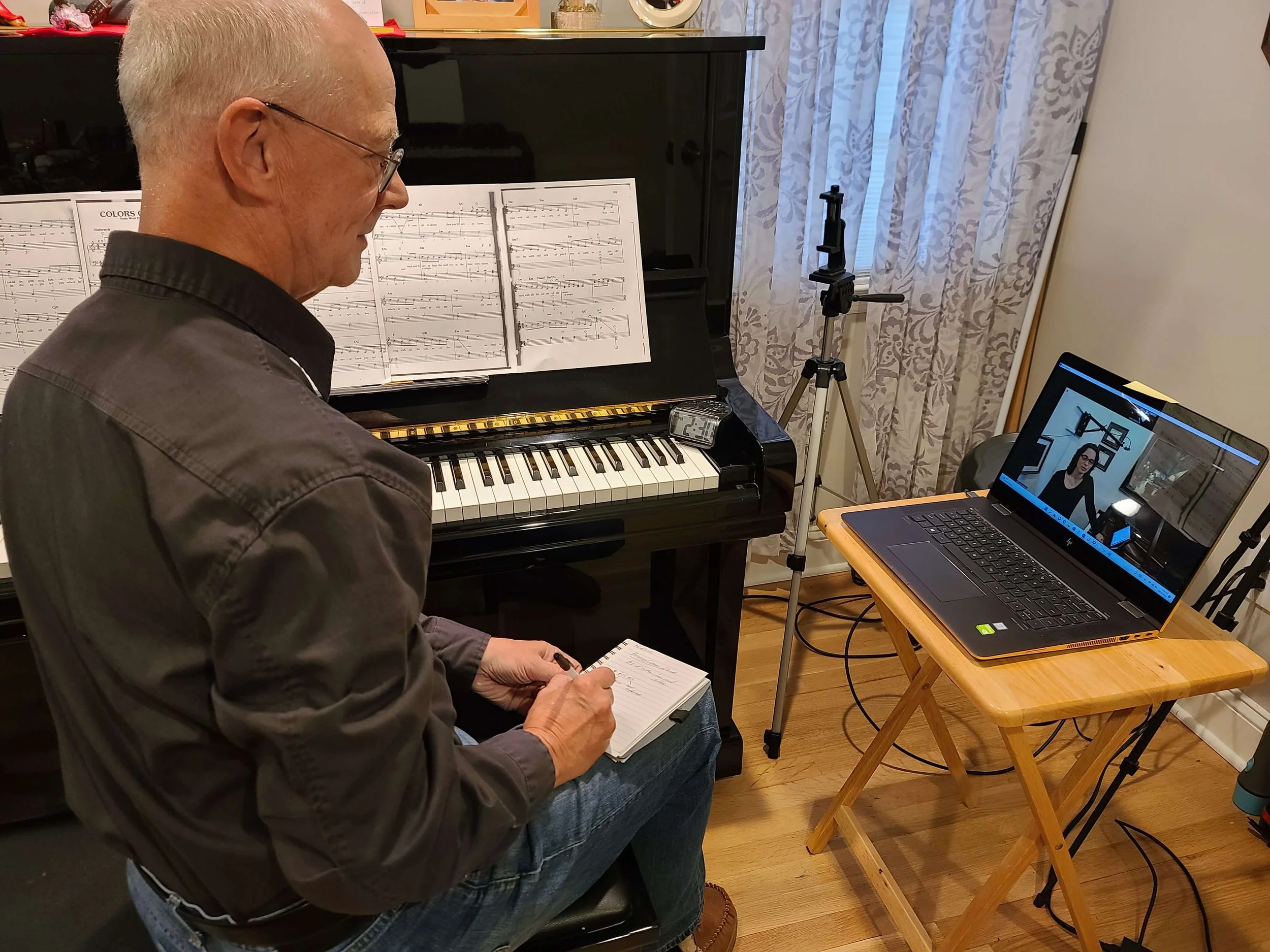
One of my students working online with me.
After seeing the progress my students made, I realized that online lessons not only work—but they can work exceptionally well with a good setup and when the teaching approach encourages curiosity and independent discovery.
Now I occasionally work in person, which is a helpful “check-in.” There aren’t any surprises when I see students live, and that’s incredibly validating—it tells me that my online lessons are working really well.
If you’re thinking of studying or teaching online, I hope this reflection was helpful. And if you’re a piano teacher curious about weaving Alexander Technique ideas into your teaching—online or in person—you can download my free PDF guide to get started.